Total Views: 36
VPN - Android Devices
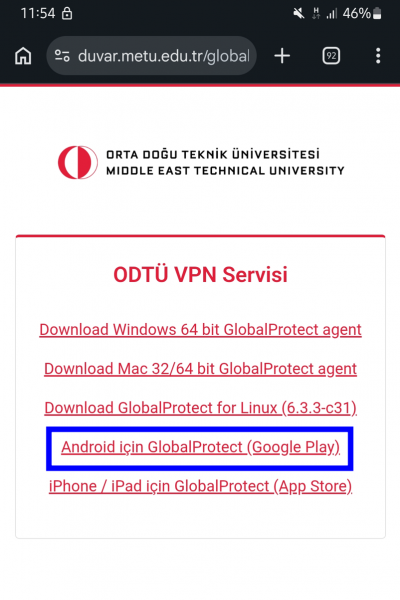
Go to https://duvar.metu.edu.tr and click on the Google Play link.
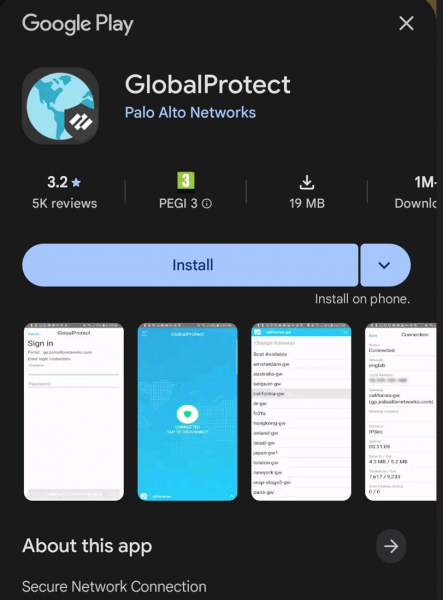
Install the Global Protect Application
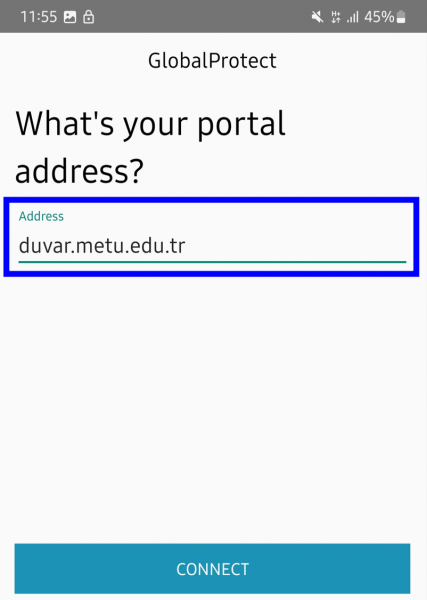
Allow network and notification access if prompted to do so. Enter duvar.metu.edu.tr for the portal address.
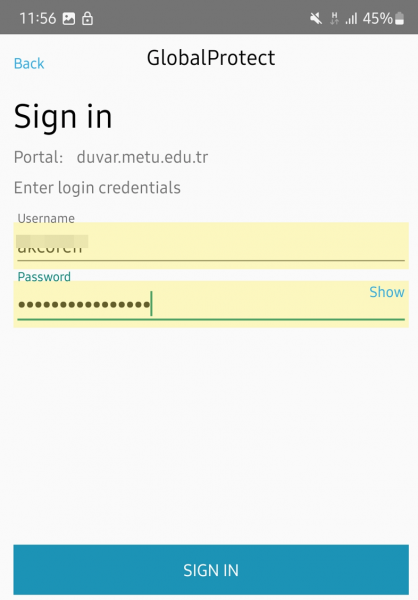
Enter your metu usercode and your password as credentials (e.g. eXXXXXX)
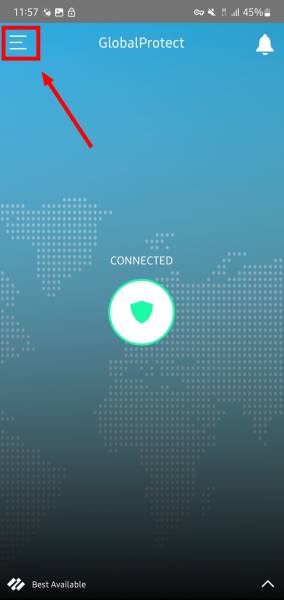
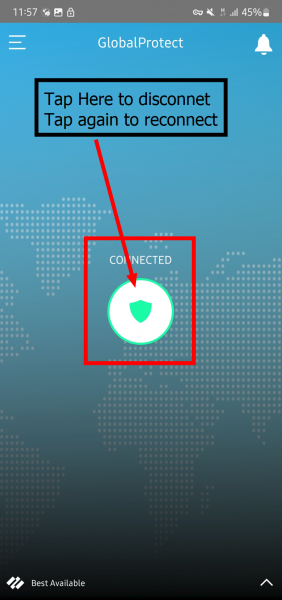
In couple seconds, you will be connected to the VPN Service. Tap the green shield icon to disconnect and reconnect.
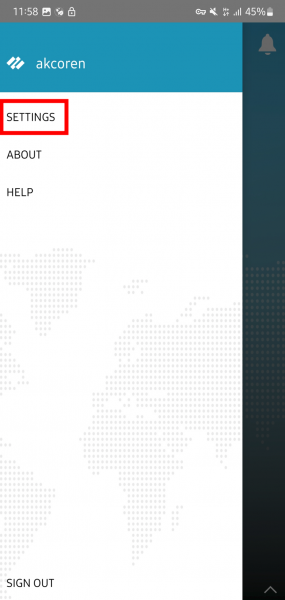
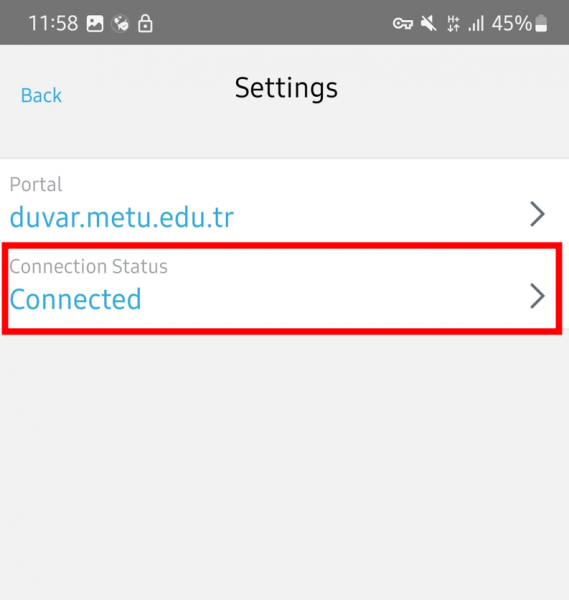
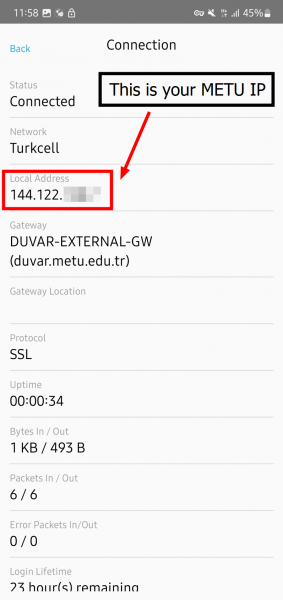
If you want to check your connection details follow these steps.