Total Views: 19
VPN - macOS Devices
Go to https://duvar.metu.edu.tr and click on the Download Mac 32/64 bit GlobalProtect agent link.
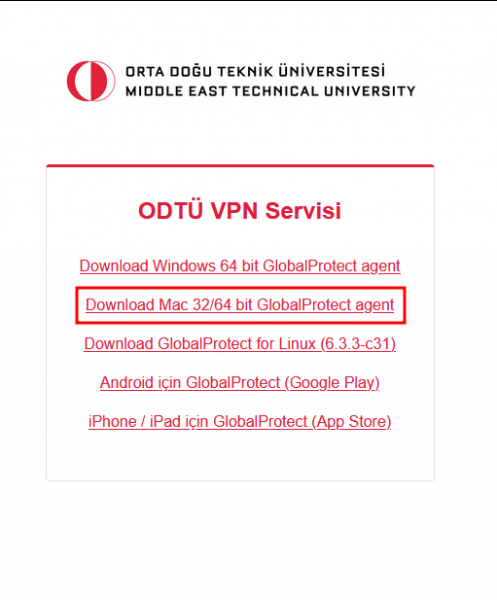
Download the application GlobalProtect64.pkg and install it. If User Access Control is prompted for elevated privileges, allow.
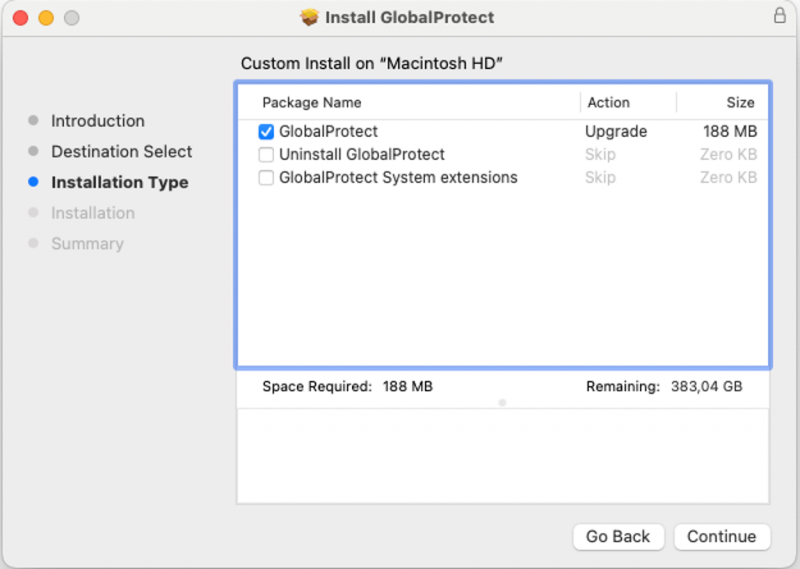
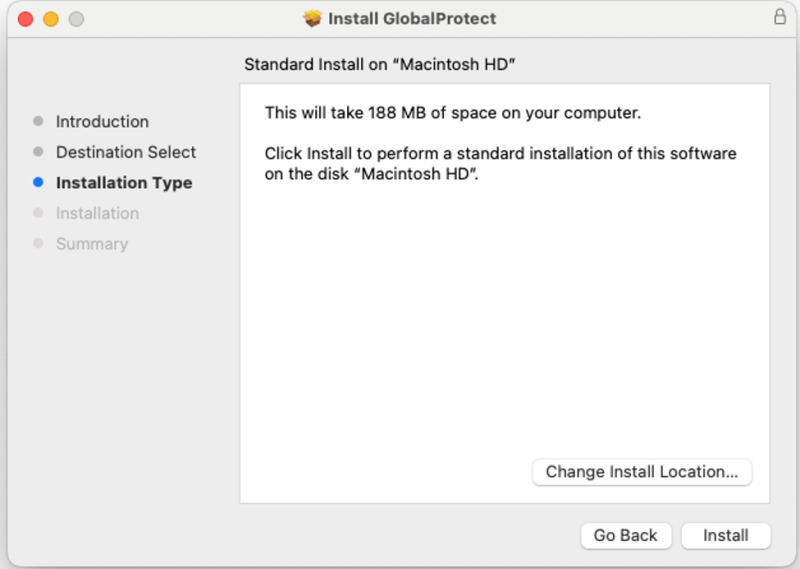
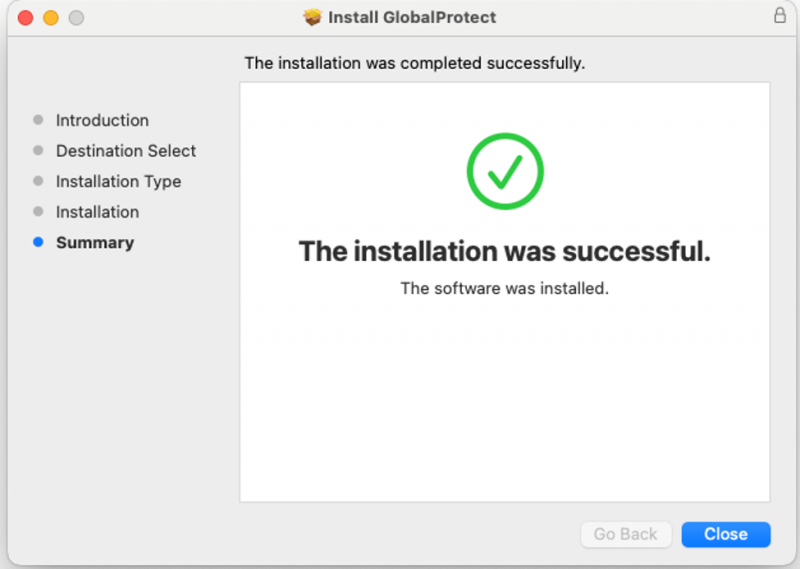
After the successful installation, there will be a Global Protect icon appear in upper right corner, in the system tray.

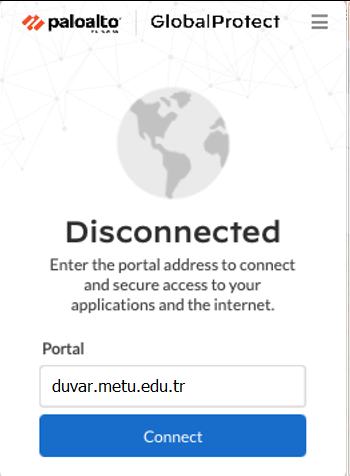
Enter duvar.metu.edu.tr for the portal address.
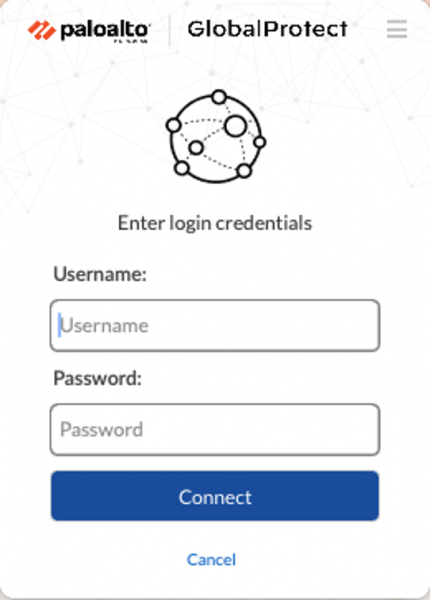
Enter your metu usercode and your password as credentials (e.g. eXXXXXX)
In couple seconds, you will be connected to the VPN Service